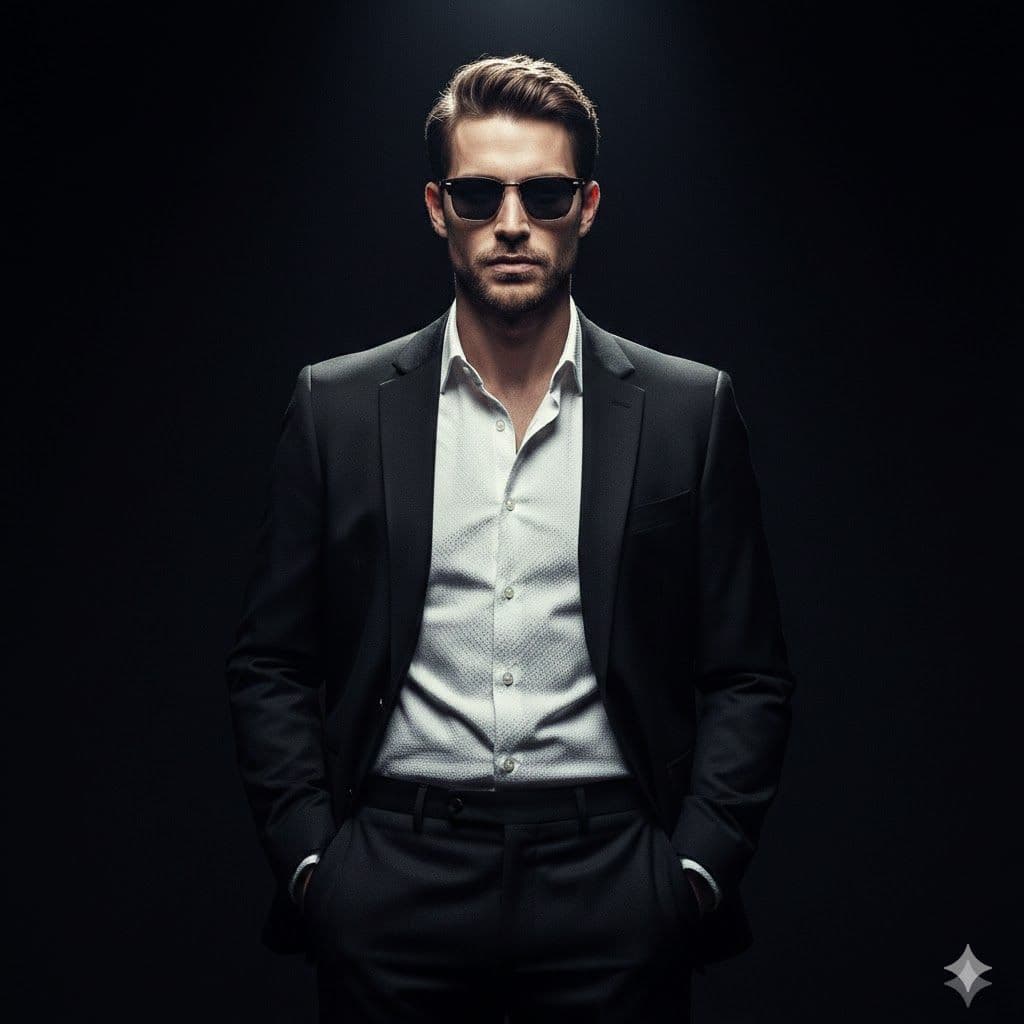
The Shadow Executive
This cinematic male portrait AI prompt nails the editorial look most headshot generators completely miss — controlled chiaroscuro, authentic skin detail, and a black-void backdrop that forces the subject to command the frame.
The skin texture kept going waxy on early runs, so I pushed explicit micro-texture language and dropped smoothing cues entirely. That, plus anchoring blacks at #000000 in the brief, fixed the plastic look fast. Now I use this as my base for client executive shots.
Tags
Prompt
Expected Output
The output is a near-photographic male portrait under a single hard overhead spotlight, similar to a controlled commercial shoot. The background falls into deep black, isolating the subject completely. The suit shows clear material contrast—the matte jacket absorbs light while the white shirt catches highlights along folds. Skin stays detailed yet polished, keeping a professional look. Technically, this favors models that handle high-contrast lighting well. Stable Diffusion with realism checkpoints responds strongly to the 85mm f/1.8 framing, giving natural compression and sharp facial focus. Face-matting helps avoid halo artifacts, especially around dark hair on dark backgrounds. In my workflow, I use this for LinkedIn banners and press headshots when studio access isn’t possible. It reduces revision cycles and produces clean, print-ready results with minimal post-processing.
- 85mm lens simulation produces natural facial proportions — no distortion, no fish-eye, no artificial wideness
- Sunglasses reflect ambient spotlight without obscuring facial structure — a small detail that reads as high production value
- Cool-neutral color grade gives the final output a professional, print-ready tonal balance
- Void-black backdrop creates maximum depth and eliminates any background distraction or noise
- Fabric detail on suit and shirt reads as tactile, not flat — matte jacket vs. crisp white shirt separation is visible
- Chiaroscuro contrast isolates the subject from background with sharp, intentional shadow falloff
Parameters & Variables
| Variable Token | Meaning | Examples | Effect |
|---|---|---|---|
| Reference Image | The identity anchor — the face and features the portrait is modeled after | an IP-Adapter seeda ControlNet inputa celebrity referenceA supplied photo | Swapping or omitting this source completely changes the facial identity; without it, the model generates a generic face matching the descriptors |
| Wardrobe Style | The clothing combination worn by the subject | three-piece grey suitmilitary jacketopen-collar linen shirtall-black turtleneck | Shifting the wardrobe changes the mood register — from corporate power to casual authority to editorial fashion |
| Lighting Style | The lighting rig and atmosphere directive | neon split-lightgolden hour backlightdual fill-light studio setupsoft Rembrandt lighting | This is the single highest-impact variable — switching from chiaroscuro to soft fill completely flips the mood from dramatic to approachable |
| Lens / Aperture | The simulated optics spec that influences focal compression and depth of field | 100mm macro35mm f/1.4135mm f/250mm f/2.8 | Longer focal lengths tighten facial proportions and compress background further; wider lenses introduce subtle distortion and more environmental context |
Pro Tips / Best Practices
- 👤 Who Should Use This: This is built for personal branding photographers, Fiverr AI portrait sellers, and social media managers handling executive clients. If you're producing press kit images, LinkedIn banners, or artist promo photos without studio access, this prompt structure gets you to a usable result fast — especially when paired with a reference image via IP-Adapter or img2img.
- 🎛️ Customize It: Swap the black suit for a turtleneck or open collar to shift from boardroom to editorial. The prompt's structure is modular — wardrobe, lighting, and lens spec all respond independently, so you can iterate on one variable at a time without rebuilding from scratch.
- 📐 Aspect Ratio Guide: For LinkedIn or press kit use, run this at 4:5 or 1:1. For print-ready posters or editorial spreads, push to 2:3 — the void background gives you clean bleed space at any ratio.
- 💡 Workflow Tip: In ComfyUI, stack a FaceDetailer node after your base generation pass. The prompt's skin-texture language sets the right intent, but FaceDetailer locks in pore-level consistency on the second pass — especially useful when upscaling to the 8k output the prompt targets.
- 💬 My Personal Take: Honestly, the chiaroscuro effect is the prompt's strongest feature, but it's also where things can go wrong. If the model clips your highlights too hard, try nudging the language toward "smooth light-to-shadow transition" instead of "sharp contrast." Over-cranking contrast cues makes some checkpoints burn out the shirt completely.
Related Prompts
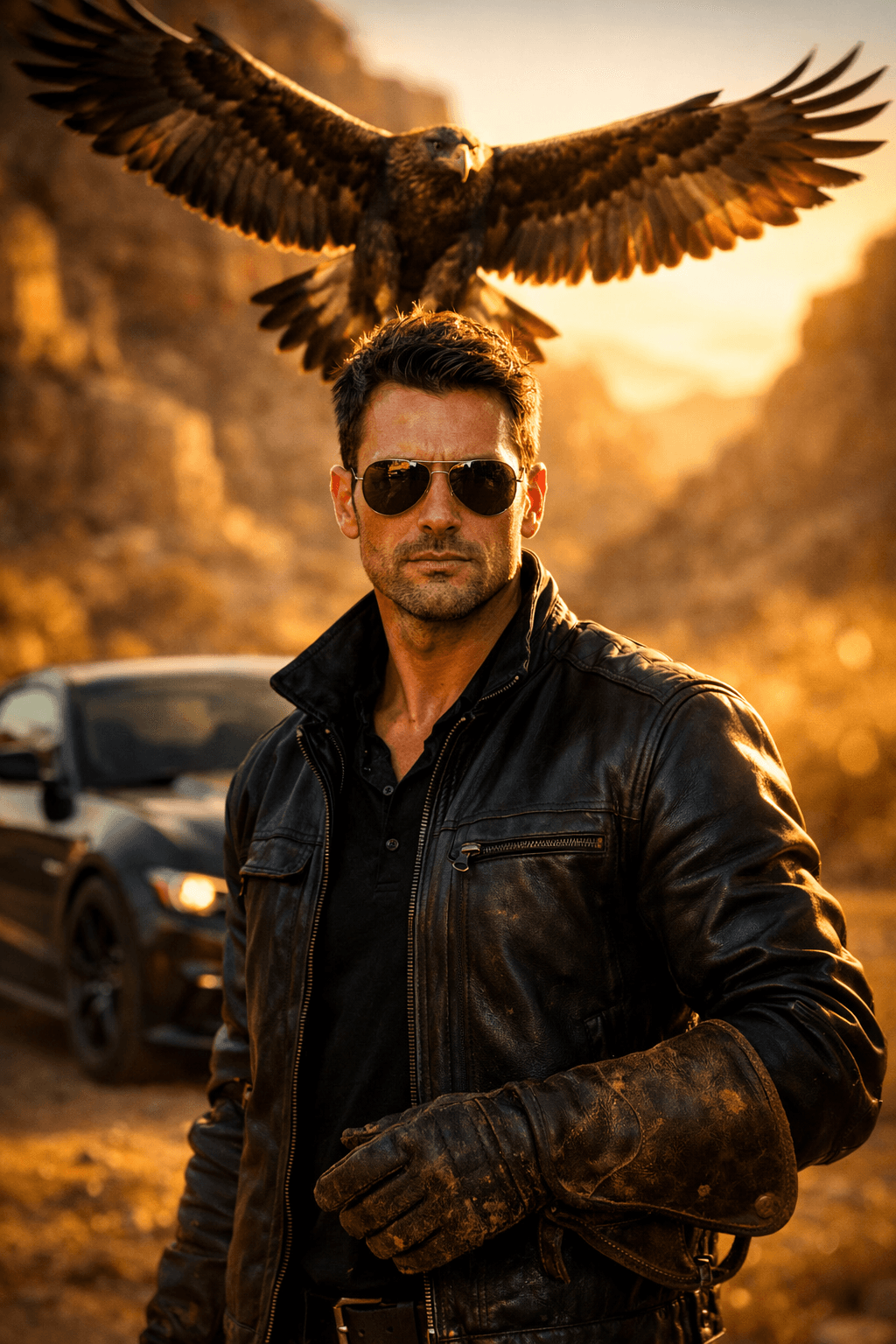
golden-eagle-falconry-desert-glow-portrait
Gemini • Fantasy
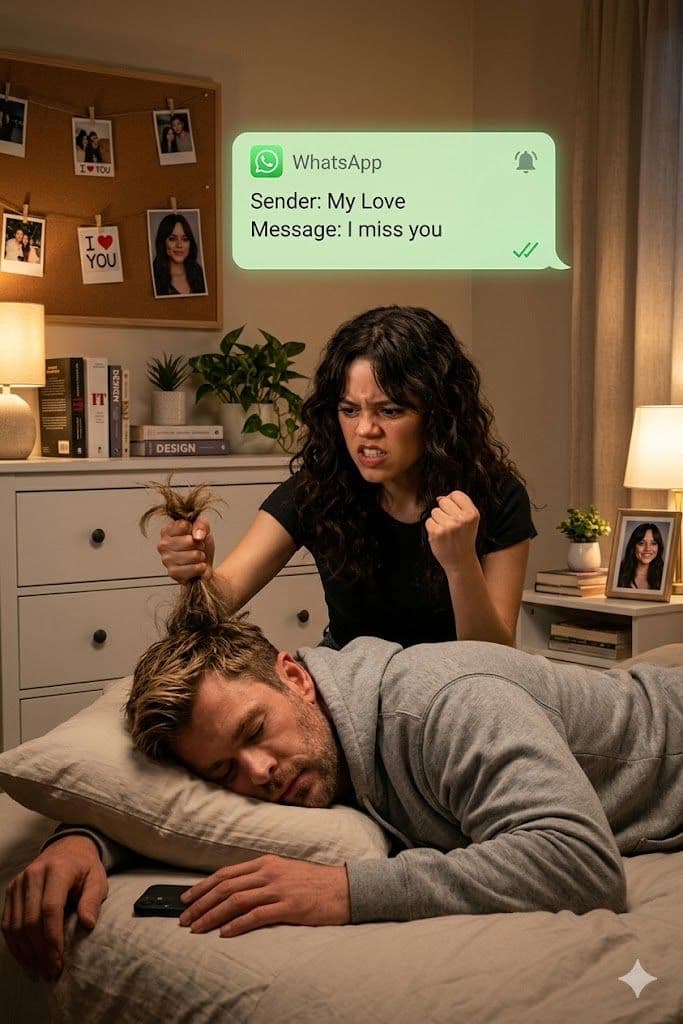
Cinematic Jealous Girlfriend WhatsApp Drama AI Prompt for Gemini
Gemini • Couple Goals
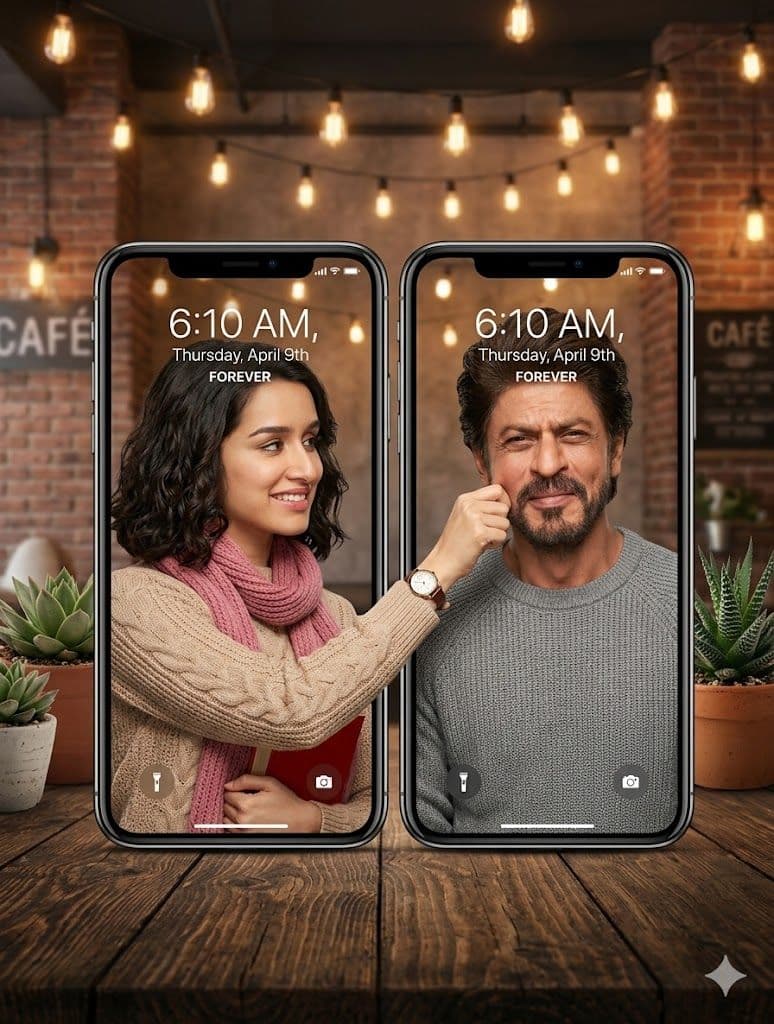
This Realistic AI Prompt Makes Couples Pinch Faces Across Screens
Gemini • Couple Goals
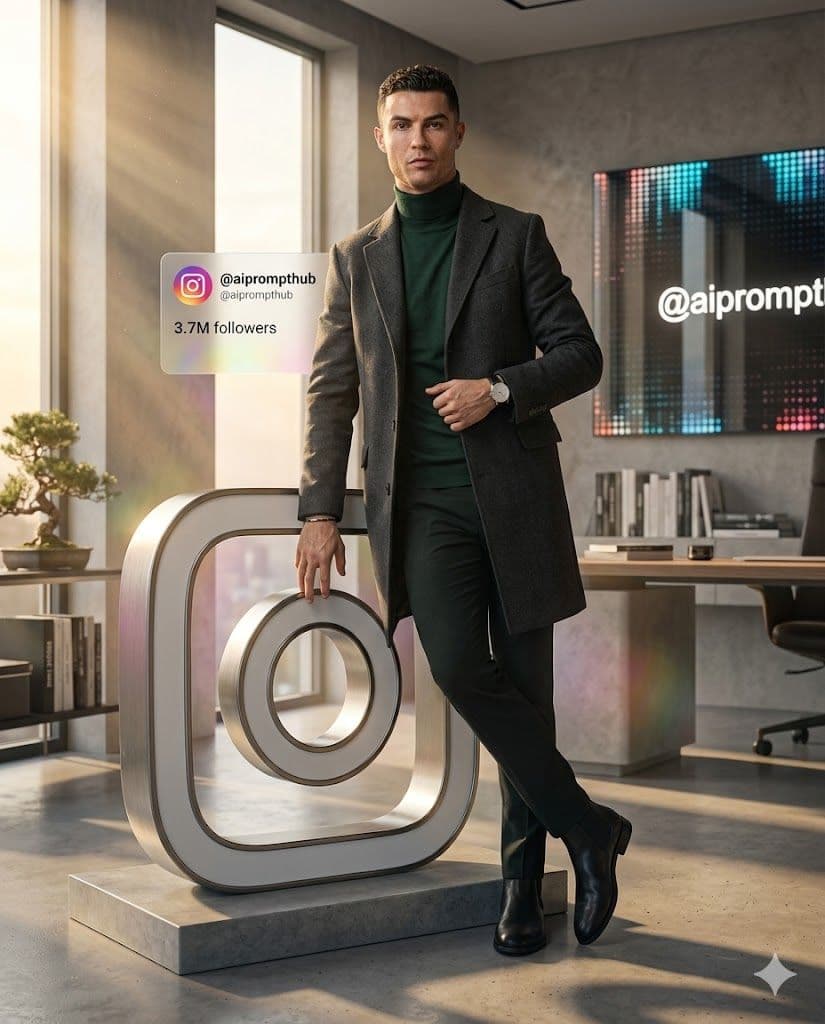
Title: Ultra-Realistic Cinematic Midjourney Prompt for Instagram Viral AI Art
Gemini • Fantasy